Protecting your iPhone starts with a strong password.
Today, digital privacy demands advanced security habits.
Therefore, setting a powerful iPhone passcode becomes essential.
This guide explains secure methods clearly and effectively.
Why a Strong iPhone Password Matters
A strong password blocks unauthorized access instantly.
Moreover, it protects personal data, photos, and financial apps.
Additionally, it prevents identity theft and digital fraud.
Consequently, security confidence improves every single day.
Weak passcodes invite hackers and data breaches.
However, advanced passcodes stop brute force attacks.
Therefore, Apple recommends complex security codes.
Ultimately, safety begins with smarter choices.
Understanding iPhone Passcode Options
Apple offers several passcode formats.
First, you can choose a six-digit numeric code.
Next, alphanumeric codes provide stronger protection.
Meanwhile, custom numeric codes increase flexibility.
Alphanumeric passwords include letters and symbols.
As a result, guessing becomes extremely difficult.
Furthermore, longer passcodes increase resistance significantly.
Thus, customization enhances overall security strength.
How to Set a Powerful Password on iPhone
Start by opening the Settings app.
Then, scroll down and tap Face ID or Touch ID.
Next, select Passcode options carefully.
Afterward, tap Turn Passcode On.
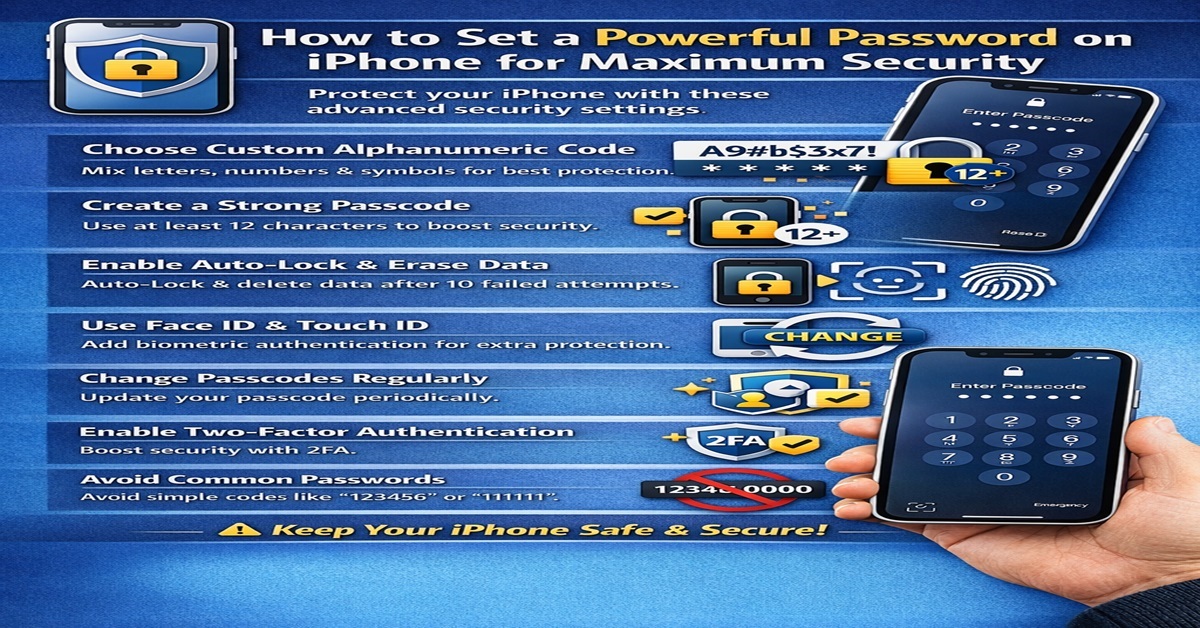
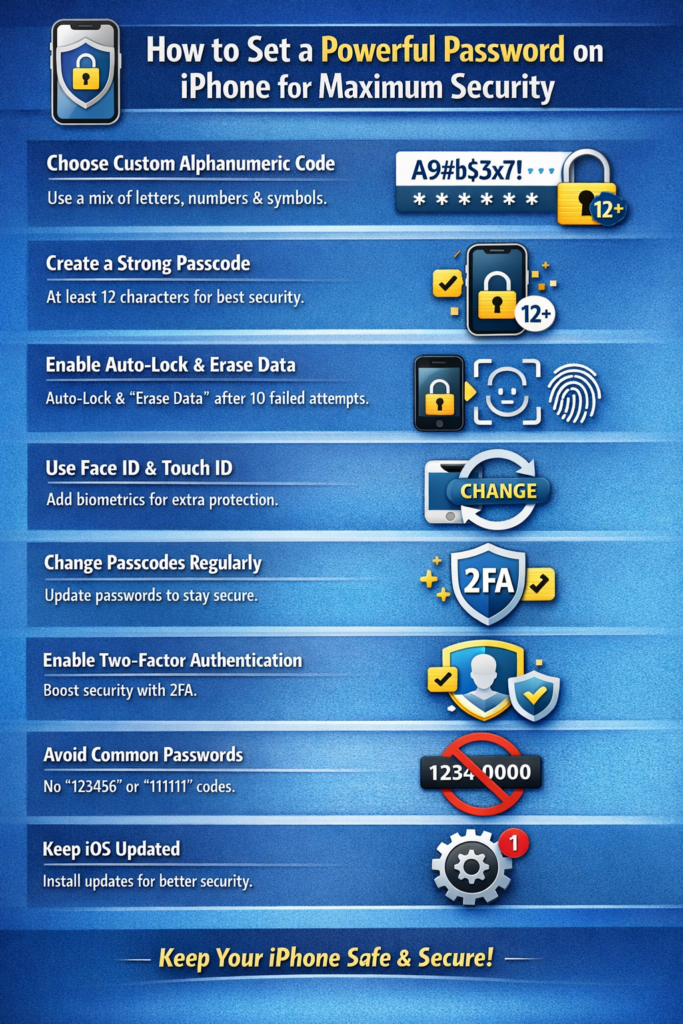
Choose Custom Alphanumeric Code for best results.
Then, create a long, unique password.
Avoid personal details like birthdays.
Instead, mix letters, numbers, and symbols.
Confirm the passcode when prompted.
Consequently, your iPhone activates enhanced protection.
Moreover, Apple encrypts stored data automatically.
Therefore, your privacy stays well guarded.
Best Practices for Creating Strong iPhone Passcodes
Use at least twelve characters consistently.
Additionally, include uppercase and lowercase letters.
Furthermore, add numbers and special characters.
As a result, complexity improves dramatically.
Avoid repeated characters or sequences.
Likewise, skip common words and names.
Instead, use random phrases or patterns.
Therefore, cracking becomes nearly impossible.
Change your passcode periodically.
Moreover, avoid reusing old passwords.
Consequently, long-term security remains intact.
Ultimately, proactive habits ensure digital safety.
Enable Auto-Lock and Data Protection
Auto-Lock reduces exposure time.
First, open Display and Brightness settings.
Then, select Auto-Lock duration wisely.
Shorter intervals increase protection significantly.
Enable Erase Data after failed attempts.
Therefore, your iPhone wipes data after ten attempts.
Moreover, this feature blocks persistent attackers.
As a result, sensitive information stays safe.
Using Face ID and Touch ID with Passcodes
Biometric security adds convenience and speed.
However, passcodes remain the primary defense.
Therefore, combine biometrics with strong passwords.
This approach balances usability and protection.
Face ID works in low light conditions.
Meanwhile, Touch ID offers reliable fingerprint access.
Additionally, both reduce daily passcode usage.
Consequently, security feels seamless and fast.
Avoid Common iPhone Password Mistakes
Never share your passcode openly.
Moreover, avoid writing passwords down physically.
Additionally, disable passcode previews on notifications.
Therefore, shoulder surfing risks decrease.
Do not use simple numeric patterns.
Likewise, avoid repeating digits like 111111.
Instead, randomize each character carefully.
Ultimately, vigilance prevents costly mistakes.
Advanced Security Tips for iPhone Users
Enable two-factor authentication for Apple ID.
Therefore, account security strengthens instantly.
Moreover, sign out from unknown devices regularly.
Consequently, unauthorized access gets blocked.
Keep iOS updated consistently.
Meanwhile, updates patch security vulnerabilities.
Additionally, install apps only from trusted sources.
As a result, malware risks reduce sharply.
Use password managers for complex codes.
Furthermore, they store passwords securely.
Therefore, memory strain decreases significantly.
Ultimately, efficiency meets strong protection.
Final Thoughts on iPhone Password Security
Strong passwords define modern smartphone safety.
Therefore, invest time creating powerful passcodes.
Moreover, combine them with biometric features.
Consequently, your iPhone remains highly secure.
Digital threats evolve constantly.
However, smart security habits stay effective.
Thus, follow these steps confidently.
Ultimately, control your privacy with strength and clarity.